

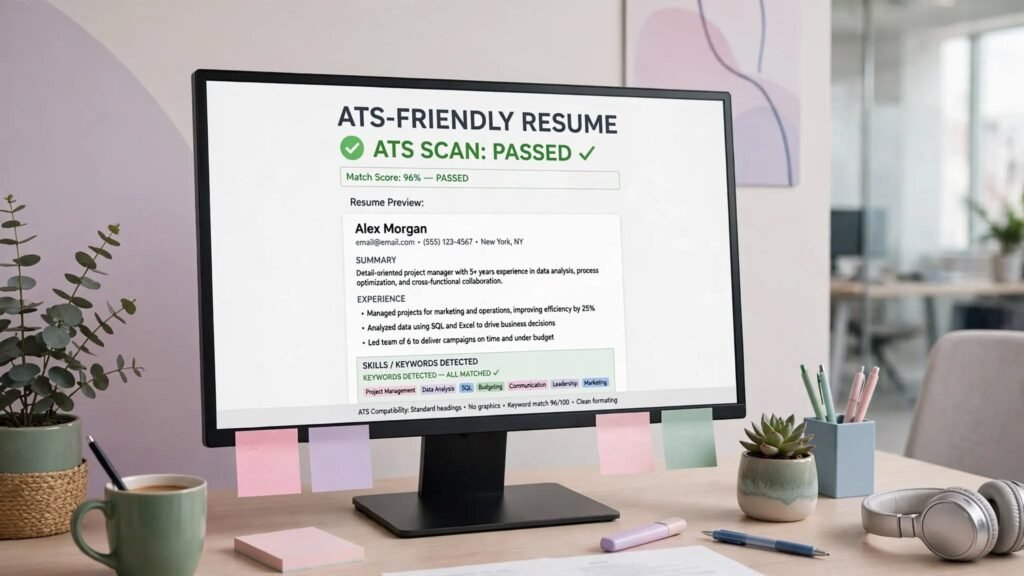
You send out ten applications and hear nothing. It is natural to wonder whether a machine rejected your resume before a person saw it. The truth is more nuanced than the internet myths suggest. Applicant tracking systems, usually called ATS, are mostly databases that store applications and help recruiters search and sort them. They can struggle to read some layouts, though, and a resume that they cannot read well is a resume that is easy to overlook.
This guide explains what an ATS actually does, how to format and word a resume so that both software and people can use it, and how to test your own file. It stays within what is widely known, since every system and every employer behaves a little differently.
- An ATS is mainly a filing and search tool: It parses your resume into fields, stores it and lets recruiters search by words, and how much automatic ranking happens depends on the employer’s setup.
- Plain structure parses best: A single column, standard headings and ordinary text give the software the best chance to read your details correctly.
- Keywords come from the job advert: Use the exact terms for skills, tools and qualifications that you genuinely have, because recruiters often search for them.
- Test it yourself: Copy your resume into a plain text editor, and if the text is jumbled or missing, a system may read it the same way.
In this guide
What an ATS does
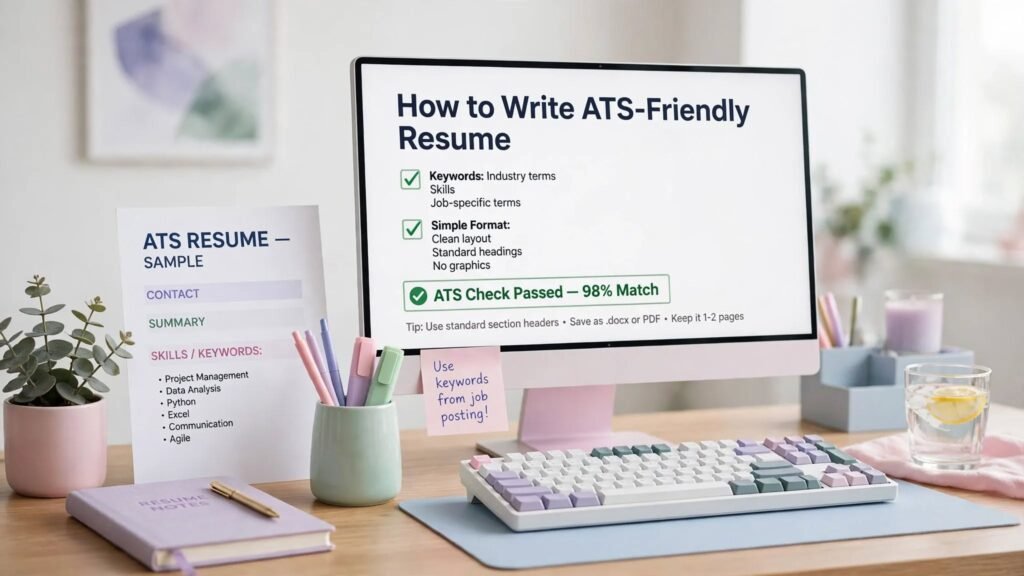
When you apply online, your resume usually goes into an ATS. The software extracts text from the file and tries to sort it into fields such as name, contact details, job titles, employers, dates, education and skills. Recruiters can then search the stored resumes, filter by criteria such as a required qualification, and move candidates through stages.
Some systems score or rank applicants against the job description, and some employers set knock-out questions, for example about work authorisation. Others do very little automatic filtering and rely on people to read applications. You usually cannot tell which, so the safest approach is to write a resume that is easy for software to parse and easy for a person to scan.
Formatting rules that help parsing
| Do | Avoid | Why |
|---|---|---|
| Use one column of ordinary text | Multiple columns and sidebars | Some systems read across the columns and mix the order |
| Use standard headings such as Experience and Education | Creative headings such as My Journey | Software looks for familiar section names |
| Put contact details in the page body | Putting them in the header or footer | Some parsers skip headers and footers |
| Use common fonts at 10 to 12 points | Decorative fonts and tiny text | They may not display or may be misread |
| Use simple round bullets | Icons, emojis and graphic bullets | Unusual symbols can become unreadable characters |
| Write dates in a consistent format | Mixing formats such as Jan 24 and 2024-01 | Consistency helps the system calculate your experience |
| Use real text | Text inside images, text boxes or charts | Software may not extract it at all |
Tables and graphics deserve a special warning. A skills rating chart or a headshot looks good to a human but gives a parser nothing useful. Keep visuals out of the resume and move them to a portfolio or profile link if they matter.
Choosing the file type
Follow the employer’s instructions first. If they do not specify, a Word file in .docx format is widely accepted, and many systems also read PDFs that contain real text. A PDF created from a Word document usually works, while a PDF made from a scan is just a picture and cannot be read. If you are unsure, apply with the format the job page asks for, and use a clear file name such as Firstname-Lastname-Resume.docx.
For help laying out the document properly, see our guide on formatting a resume in Microsoft Word, and our guide on writing a resume with no experience if you are just starting.
Using keywords honestly
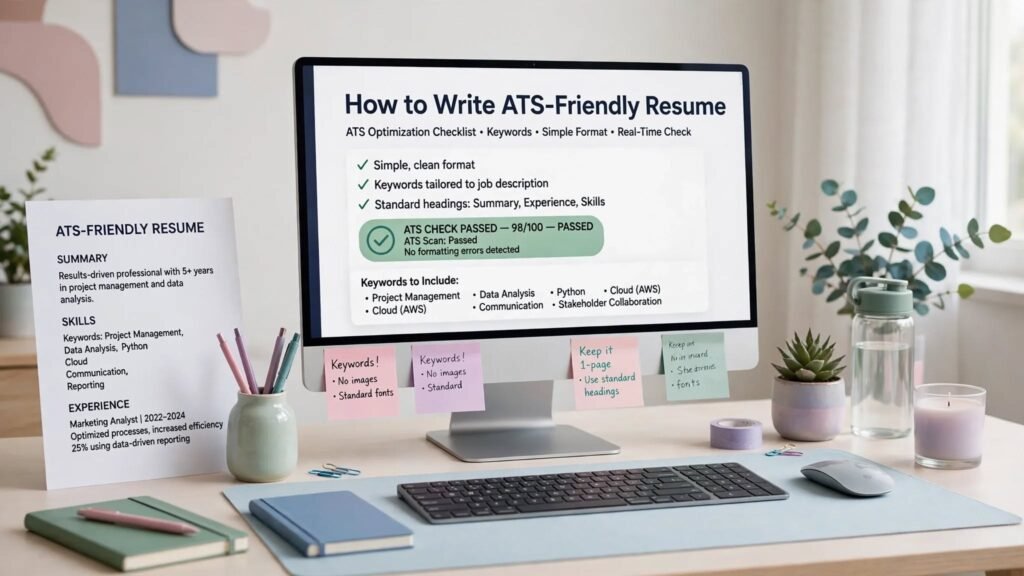
Keywords are the specific words that the employer uses to describe the job. A recruiter searching for “customer support” or “Python” may only find resumes that contain those words. Here is a method that works.
- Read the job advert closely: Highlight the skills, tools, qualifications and job titles that appear, especially those listed more than once.
- Compare with your experience: Mark which of them you can honestly claim, and ignore any that you cannot.
- Use the employer’s words: If the advert says “project management” and you wrote “running projects”, change it to match, as long as it is true.
- Place keywords in context: Put them in your skills section and also in the bullets that show you using them, since a list alone proves little.
- Include both forms of common terms: Write “search engine optimisation (SEO)” once, so that both versions are found.
Do not stuff keywords, hide white text or copy the advert word for word. Recruiters read resumes too, and a resume that sounds like a list of buzzwords will lose their trust. Use our free Word Frequency Counter to see which words repeat most in a job advert, which gives you hints about the priorities.
Section order and content
A reliable order for most people is name and contact, a short summary, skills or experience, education and certifications. If you have experience, put it before education. If you are a recent graduate, education may come first. Within each job, list the title, employer, location and dates, followed by bullets with results. Keep wording simple and specific.
Test your resume yourself
- Plain text test: Open a plain text editor, paste the whole resume and read it. The order should be logical, and your name, email and phone number should be clear.
- Copy and paste test: Select all in your document, paste into a new document and check that bullets and headings survive.
- Search test: Open the file and use find to search for three important keywords, which confirms that the text can be selected and searched.
- Another device test: Open the file on a phone or another computer to make sure that the fonts and layout hold up.
Online resume scanners exist, and some are helpful, but their scores are not the same as what a real employer’s system does, so treat them as a rough guide. Our free Readability Score Checker and Word Counter help keep your text clear and concise.
Common myths
- Every resume is rejected by a robot: In many companies a person reads the applications, and the system mainly stores and sorts them, so a clear resume matters for both.
- Your resume needs a perfect score: There is no universal ATS score, because every system and every employer is configured differently.
- Plain means boring: A clean layout with strong content looks professional, and recruiters often prefer it because it is easy to scan.
- More keywords always help: Accuracy and context matter more than repetition, and false claims can come back to hurt you in an interview.
A final checklist
Before you submit, check that the file opens, that the name and contact details are in the body of the page, that headings are standard, and that the skills match the advert truthfully. Check the spelling of the employer’s name and the job title, remove anything that does not support the application, and save a copy for each role. For deeper help with wording, take our free Resume writing course.
Questions
What is an ATS resume?
It is a resume formatted so that applicant tracking software can read it correctly. That usually means a single column, standard headings, plain text and keywords taken honestly from the job advert. It does not mean writing for robots, since a person will read it as well.
Does every company use an ATS?
Many mid-sized and large employers use one, and some small ones do too, but not all. How much the software filters or ranks applications depends on the employer's settings. A resume that is clean and clear works well in every case.
Is a PDF or Word file better for an ATS?
Both are widely accepted when they contain real text. Follow the employer's instructions, and if there are none, a .docx file is a safe choice, with a text-based PDF as a good alternative. Avoid PDFs that are scans or images.
How many keywords should I include?
There is no magic number. Use the important skills, tools and qualifications from the advert that you truly have, and show them in context. A natural, honest match is better than a long list of terms.

 Productivity